
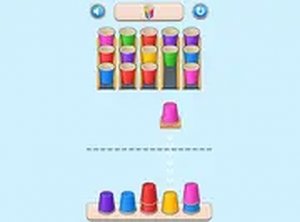
Triple Cups Puzzle Game
Clean design and smooth gameplay. Great for short breaks or longer sessions.
2 Players Speed Reaction Reflex Game Online Arcade Game is a fast-paced two-player competition that challenges you and a friend to a blazing test of reflexes. The core objective is simple: smash keyboard buttons as quickly as possible to outpace your opponent. This game is all about speed, precision, and quick thinking. Designed for desktop play, it offers a straightforward yet addictive experience that brings out your competitive spirit. Whether you are looking for a quick challenge or a fun way to spend time with a friend, this game delivers non-stop action. It is free to play and runs directly in your browser, making it easy to jump right in. With full screen mode available, you can immerse yourself fully in the race to become the ultimate fire master.
To play 2 Players Speed Reaction Reflex Game, you need a computer with a keyboard. Each player chooses a set of keys to press, and the game begins. The objective is to press your designated keys as fast as possible to fill up your meter or reach a target before your opponent. The faster you press, the closer you get to victory. The game tests your reaction time and endurance, as you must maintain a high speed to win. It is simple to learn but challenging to master, making it perfect for players of all ages. No special equipment is needed—just a keyboard and a friend ready for a fun competition.
Fast-paced two-player competition. Simple keyboard controls. Free to play. Full screen mode. Addictive reflex-based gameplay.
To improve your performance, focus on maintaining a steady rhythm rather than just pressing randomly. Practice coordinating your finger movements to press keys as quickly as possible without straining. Staying relaxed can help you react faster and avoid fatigue during longer matches. Also, communicate with your opponent to agree on key assignments before starting, ensuring a fair and smooth game. Finally, take short breaks between rounds to keep your reflexes sharp.
Clean design and smooth gameplay. Great for short breaks or longer sessions.
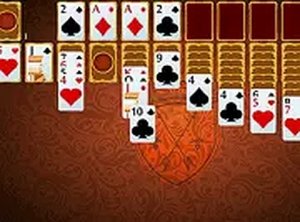
Clean design and smooth gameplay. A satisfying twist on classic solitaire for longer sessions.
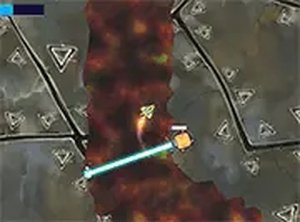
Precise controls and increasing difficulty make this a solid arcade challenge. Great for quick gaming sessions.
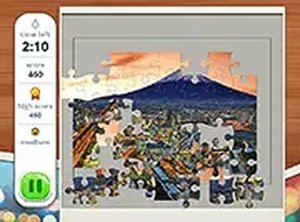
Clean design and smooth gameplay. Great for short breaks and travel lovers.
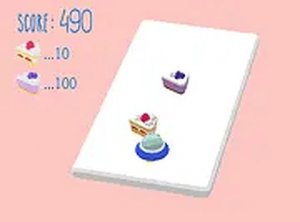
Clean design and smooth gameplay. Great for short breaks. Easy to learn but hard to master.
Charming graphics and simple controls make this a relaxing arcade game for all ages.
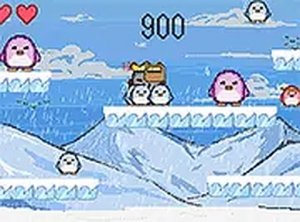
Cute graphics and simple mechanics make this a fun, quick game for all ages.
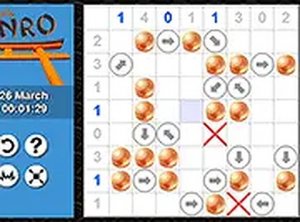
Clean design and smooth gameplay. Great for short breaks. A fresh puzzle every day keeps it interesting.
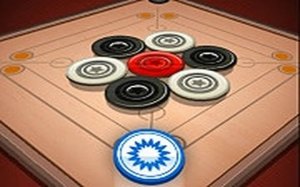
Smooth physics and simple controls. Perfect for quick matches or extended play with family.