
Game Introduction
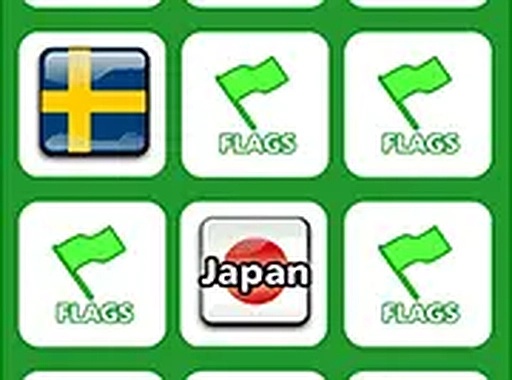
Global Flag Memory Puzzle is an online brain-training activity that blends memory improvement with geography education. The core objective is to flip over cards, reveal national flags, and find matching pairs. Players work to remember the location of each flag while becoming familiar with symbols from countries around the world. The game offers three difficulty levels: Easy uses fewer cards for a gentle start; Normal provides a balanced challenge; and Hard is designed for those seeking a more demanding experience. Suitable for all ages, this game runs directly in any browser on both mobile and desktop devices. No downloads or installations are required, making it convenient to play anytime. A full screen mode is available for a more focused experience. The game is free to play and provides an enjoyable way to learn about flags from different countries.
How to Play
To begin, players select their preferred difficulty level. The game presents a grid of facedown cards. Clicking or tapping a card flips it to reveal a flag. The player then flips another card, attempting to find its matching pair. If the two flags match, the cards remain face up. If they do not match, both cards flip back after a short pause. The challenge lies in remembering the positions of each flag to make successful matches. The game continues until all pairs are matched. Completing the game with fewer moves leads to a better score. The straightforward rules allow anyone to start playing immediately.
Game Features
Global Flag Memory Puzzle includes several features designed to enhance the experience. It offers flag matching gameplay that encourages concentration and memory. Three difficulty levels accommodate different skill levels, from beginners to experienced players. The game is accessible on both mobile and desktop devices, allowing play on various screen sizes. It is completely free to play with no hidden costs or subscriptions. A full screen mode provides an immersive experience by removing distractions. Each feature aims to make learning about flags enjoyable and accessible.
Tips for Success
To improve performance, try to focus on one section of the grid at a time. Repeat the names of flags you see to help remember their positions. Take short breaks if you feel tired, as a fresh mind works better. Practice regularly to strengthen your memory and recognition skills. Enjoy the process of learning new flags, and celebrate each successful match.


Comments
0 comments