
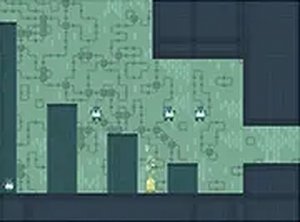
Alpha Evader Arcade Obstacle Game
Clever invisibility mechanics and smooth controls. Great for short, strategic play sessions.
Aquapark Balls Party is an exciting and family-friendly online arcade game where players take control of colorful balls and navigate through a vibrant water park filled with tricky traps. Designed for one or two players, this game offers a thrilling challenge as you roll, dodge, and race to keep your ball moving. Whether you play solo or challenge a friend, the goal is simple: avoid obstacles and stay on track. The game features a lively aquapark theme with bright visuals and smooth controls, making it perfect for kids and adults alike.
To play Aquapark Balls Party, use your keyboard or mouse to control your ball. In single-player mode, guide your ball through the aquapark course, avoiding traps and obstacles to keep rolling. In two-player mode, you and a friend can compete side by side, each controlling a separate ball. The controls are easy to learn: use the arrow keys or WASD for one player and other designated keys for the second player. The goal is to survive longer and avoid falling into traps. As you progress, the challenges may increase, testing your reflexes and coordination. You can earn points or coins to unlock new skins in the game store, giving your ball a fresh look.
Fun rolling gameplay that is easy to pick up. Two-player mode for friendly competition. Customizable skins to personalize your ball. Full screen support for a more immersive experience. Free to play directly in your browser with no downloads required.
To succeed in Aquapark Balls Party, focus on staying alert and reacting quickly to obstacles. Practice the controls to improve your timing and precision. In two-player mode, watch your opponent's movements to anticipate traps. Collect coins or points to unlock new skins, which can add variety to your gameplay. Take short breaks to maintain focus, and gradually learn the layout of each course to avoid surprises.
Clever invisibility mechanics and smooth controls. Great for short, strategic play sessions.
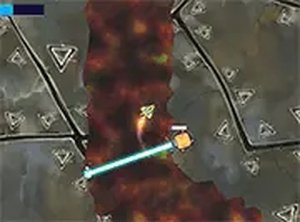
Precise controls and increasing difficulty make this a solid arcade challenge. Great for quick gaming sessions.
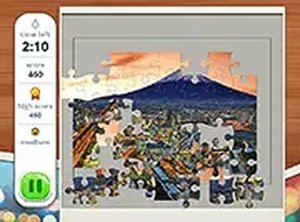
Clean design and smooth gameplay. Great for short breaks and travel lovers.

Clean design and smooth gameplay. Great for short breaks. Easy to learn but hard to master.
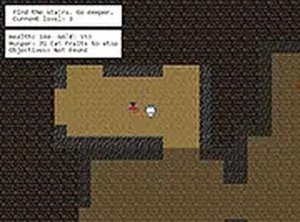
Charming graphics and simple controls make this a relaxing arcade game for all ages.
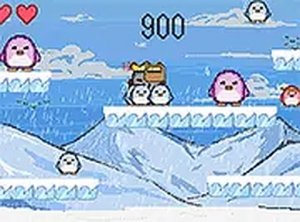
Cute graphics and simple mechanics make this a fun, quick game for all ages.
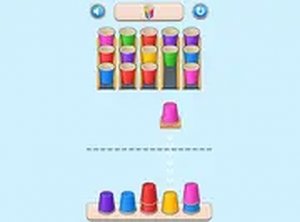
Clean design and smooth gameplay. Great for short breaks or longer sessions.
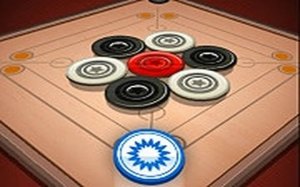
Smooth physics and simple controls. Perfect for quick matches or extended play with family.

Gentle rescue and dress-up gameplay with cute graphics. Perfect for young animal lovers.