
Getting Started with Your First Grid
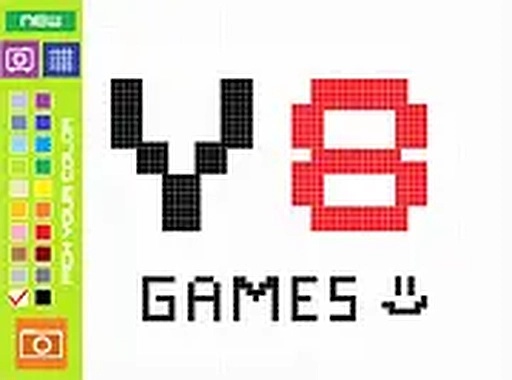
New players begin with a blank grid displayed on screen. A color palette sits to the side, offering a selection of shades. The process is straightforward: pick a color, then tap or click any empty square to fill it. This immediate feedback loop makes it easy for even young children to understand and enjoy. The interface is clean and uncluttered, reducing distractions and letting the creative process take center stage.Precision Tools for Detailed Work
For those who want more control, the zoom feature allows close-up work on individual cells. This is especially helpful when creating intricate patterns or small details. Zooming out provides a full view of the artwork, helping players see how their composition is coming together. Undo and redo buttons are also available, giving players the freedom to experiment with different color combinations without worrying about mistakes.Sharing and Community Features
Once a piece is finished, players can save their work and generate a unique link to share with friends or family. This makes it easy to show off creations on social media or via email. The game also includes a community gallery where users can browse artwork made by others. A simple thumbs-up voting system allows players to express appreciation for pieces they like, turning a solitary activity into a shared experience.Accessibility and Platform Support
Grid Color Studio runs directly in web browsers on both desktop computers and mobile devices. No downloads or installations are required, making it accessible from almost any modern device. A full-screen mode is available for those who want an immersive drawing session without browser distractions. The game is optimized to run smoothly across different screen sizes, ensuring a consistent experience whether on a phone, tablet, or laptop.Compatibility
💻 Desktop | 📱 Mobile | 📟 Tablet
– All supported · Best with Chrome or Safari








Comments
0 comments